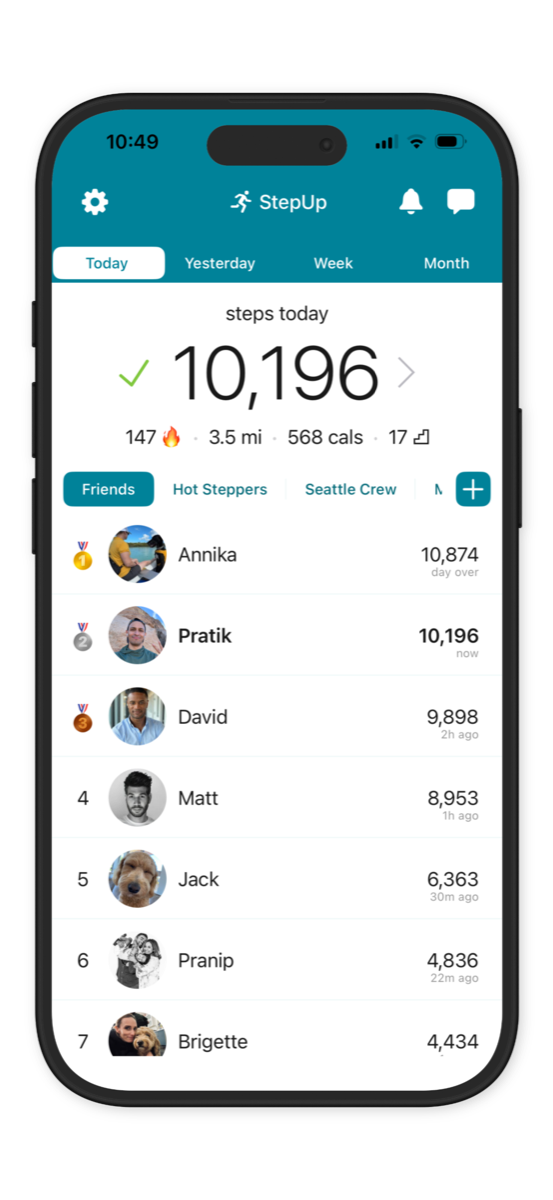
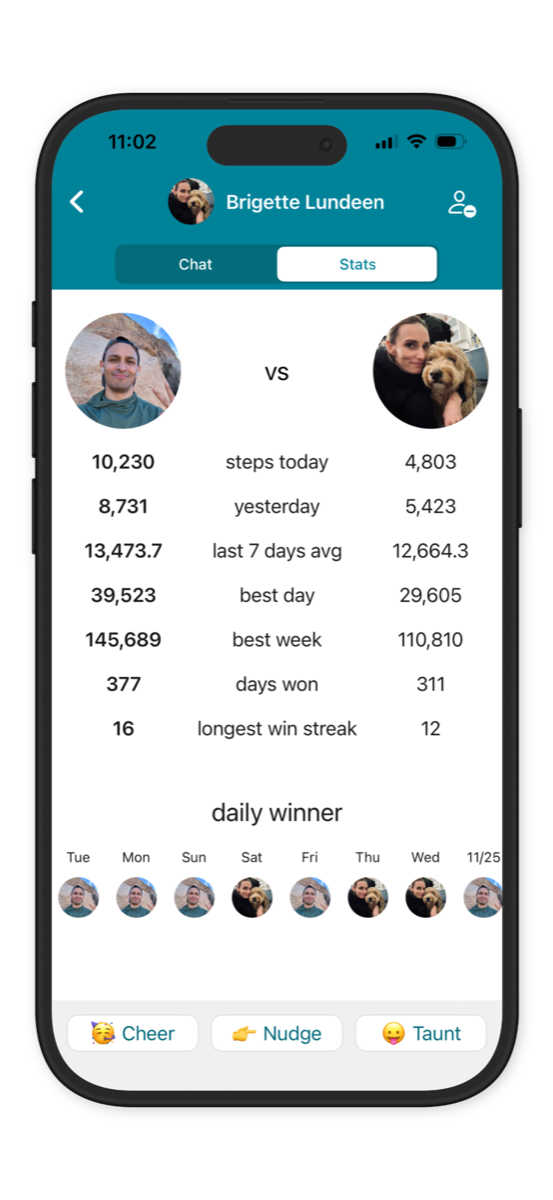
StepUp makes it super simple to host fun, engaging step challenges for FREE!
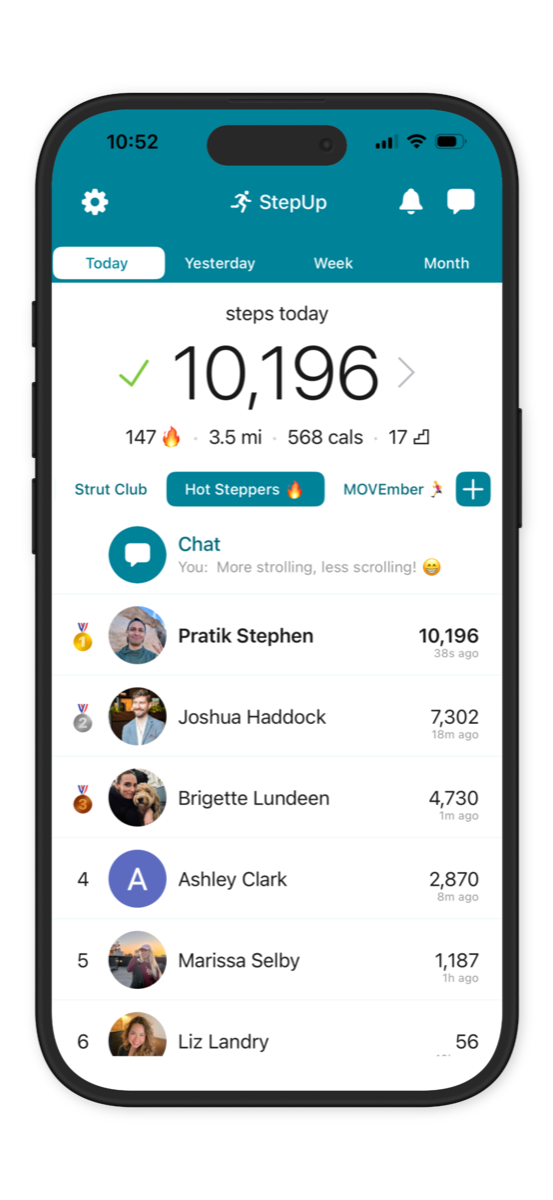
You can add friends individually or create a group where everyone can see each other on a shared leaderboard. StepUp is used at work (Amazon, BMW, Google), schools (Yale, Stanford), gyms and communities all over the world.
How does a group work?
You can create private groups for a few friends/colleagues or up to 15,000 people. All members can see each other on the group step leaderboards (daily, weekly and monthly).
Invite people by sharing the group invite link via email/text. For example, join our "StepUp In 2026" group: https://join.thestepupapp.com/nJq00b
How much does it cost?
StepUp is completely FREE.
No subscriptions needed, no features hidden behind paywalls.
Our mission is to encourage everyone to be more active, regardless of budget. We support our work via minimal ads and optional in-app purchases to go ad-free.
Leaderboards and ongoing challenges
Many groups run ongoing challenges where winners are announced every week or month. By default, groups have daily, weekly, and monthly leaderboards that update automatically. Daily and weekly leaderboards reset every midnight. The monthly leaderboard resets on the 3rd of the month. More guidance and email templates.
NEW: Fixed date range challenges
If you want a challenge with a specific start and end date, admins can set that up from Group Settings (long-press the group name). Members will then see the new custom leaderboard in place of the monthly leaderboard. Min 1 day, max 1 year.
Does the group end after the end date?
No. The group continues as normal. After the end date, the custom leaderboard will still show results for that date range until an admin changes or clears it.
How to "start" a step challenge?
There's nothing to start or stop in the app once the group is created — leaderboards update automatically. Make sure to invite folks at least a week before the intended start date so they have time to install StepUp.
Prizes & kudos
Prizes can be fun, but are not necessary. Just recognition and bragging rights can be as motivating.
Prizes for "most steps" can sometimes create unhealthy competition at the top and discourage everyone else. Consider wholesome alternatives like a random draw to pick winners among all the folks who hit some goal (e.g. 10k steps/day or 300k steps in a month).
NEW: Mystery Mode in groups 🎭
In Mystery Mode, today's steps are hidden & only ranks are shown on the leaderboard. Step counts are revealed the next day. Great for work groups. Admins can enable it from Group Settings.
Team vs team step challenge
StepUp doesn't currently show group-vs-group leaderboards directly, but you can create one group per team and compare teams using exported reports.
Exporting group reports
Group admins can export reports for any date range from Settings > Manage Groups (or long-press the group name).
Group chat
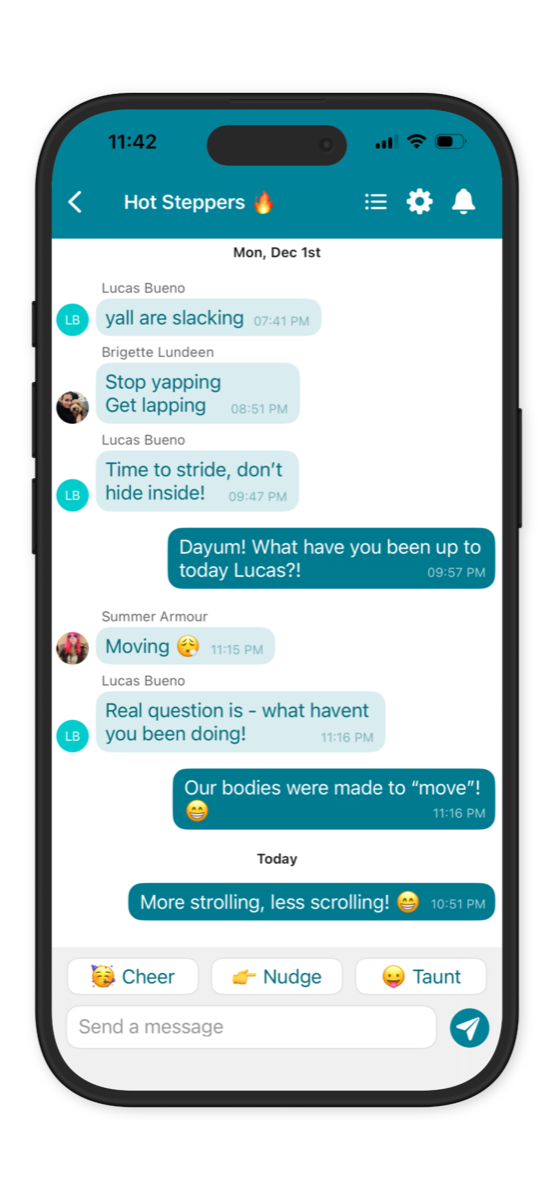
Group chat lets members share updates, encourage each other, and enjoy friendly banter. Admins can disable chat or taunts from Group Settings, and remove inappropriate messages or members.
Questions or feedback?
Email us at team@thestepupapp.com. If you face any issues, send feedback logs from StepUp > Settings > Help & Feedback > Send Feedback.